
Update content with straightforward tools.
The Webanelixis.com Editor (a website editing tool) is included in the basic website build and configured for your project. We introduce the features and guide you through their use. You can also ask us to handle updates. Special additional features are assessed according to your requirements and our agreement.
Our team configures management tools around what you actually need to update. The Editor is part of the complete solution and can gain additional capabilities as the project evolves, according to our agreement.
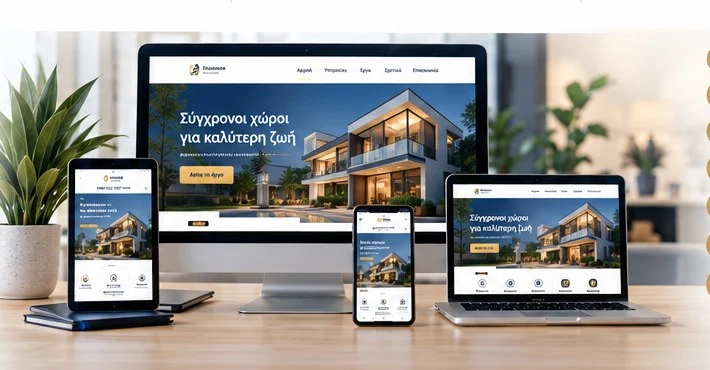
What you can manage
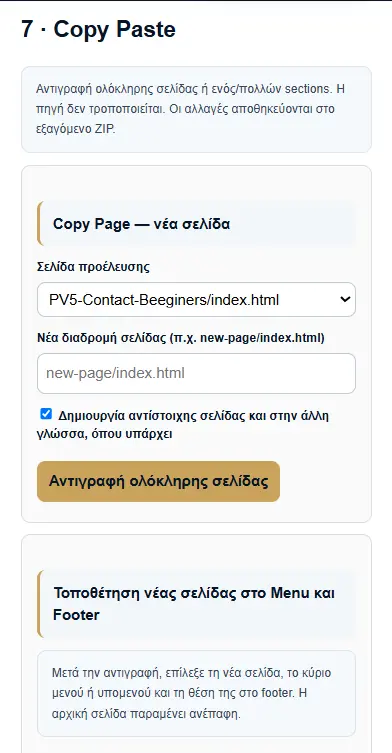
Depending on the agreed configuration, you can update text and images and edit pages, navigation and the footer (the bottom area of pages). Copy Page and Copy Section help reuse an existing layout.
You do not need to know HTML (page structure code) for tasks covered by the Editor tools. For a complex new feature or a change beyond the available options, contact our team.
The complete Editor view
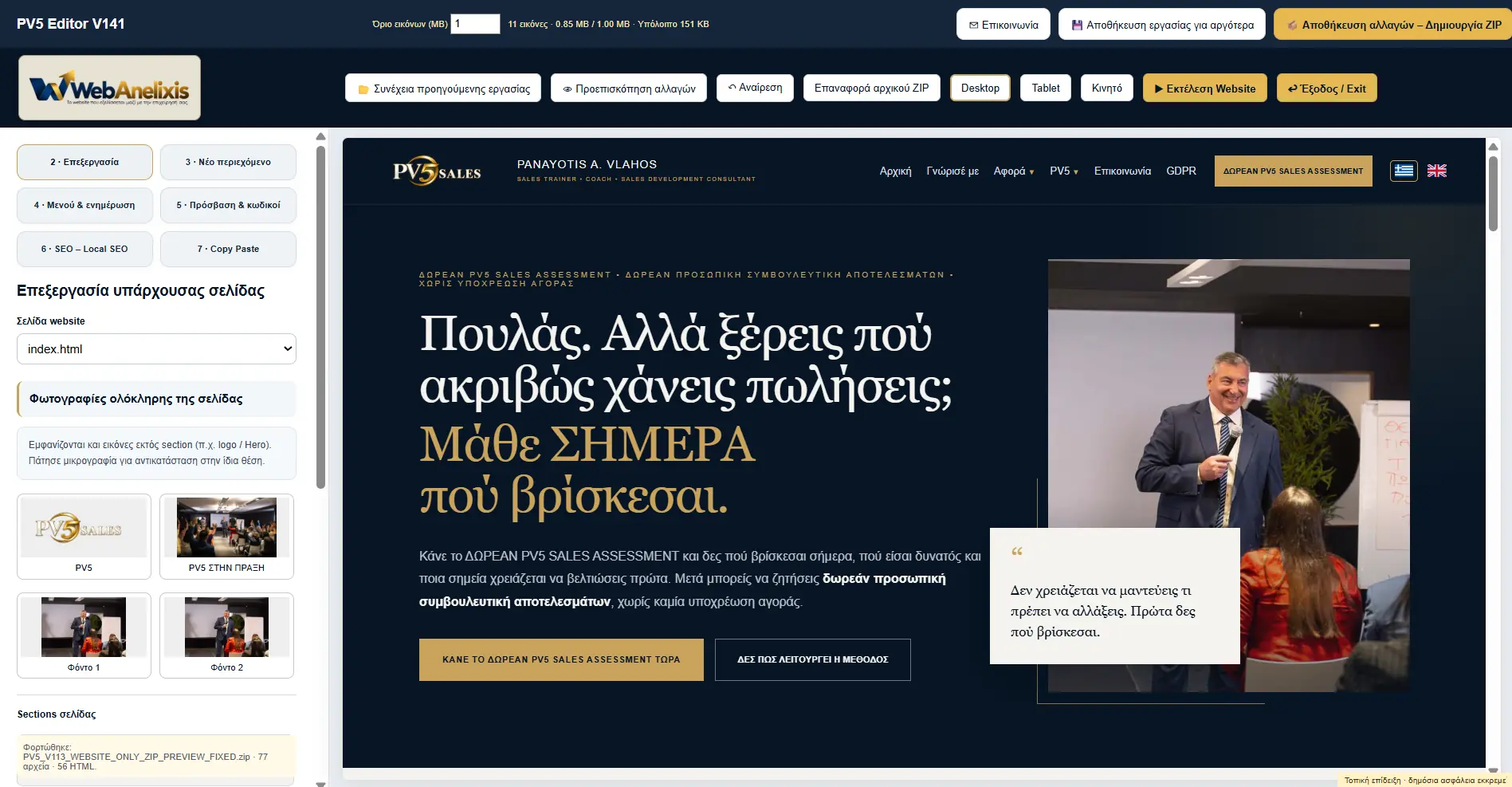
Example capability screens
See the tools in practice
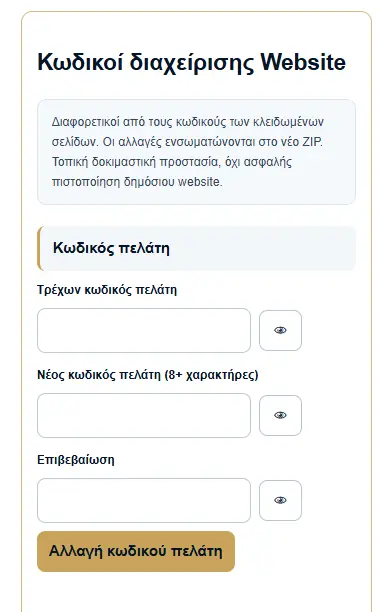
Real screenshots supplied as examples from the PV5 project Editor. Your Editor’s appearance and available features are configured for your project.
Edit pages and images
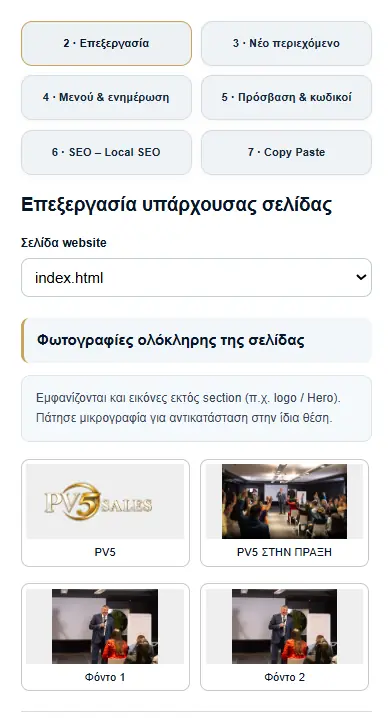
New page or section
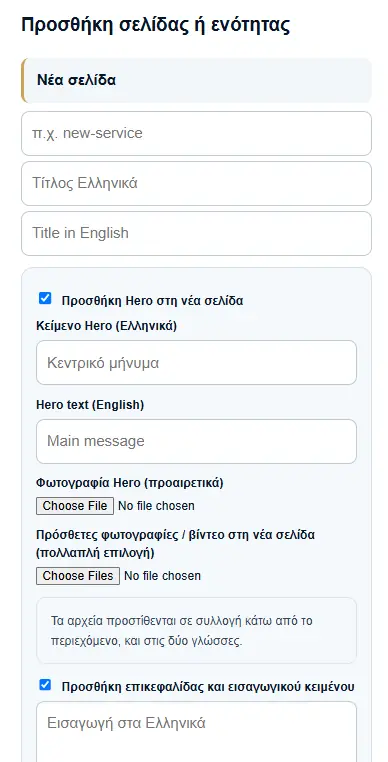
Password management
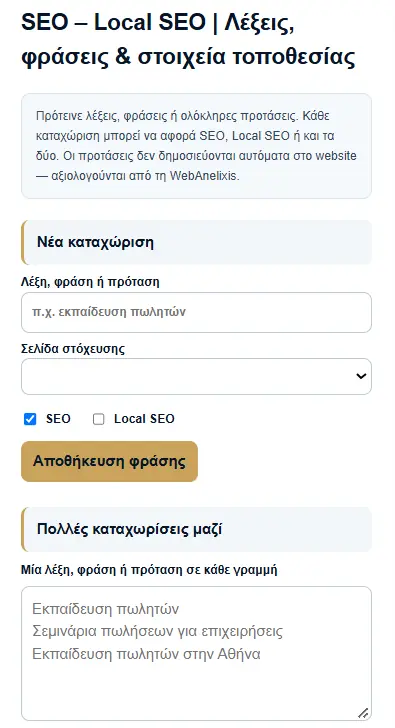
SEO words and phrases
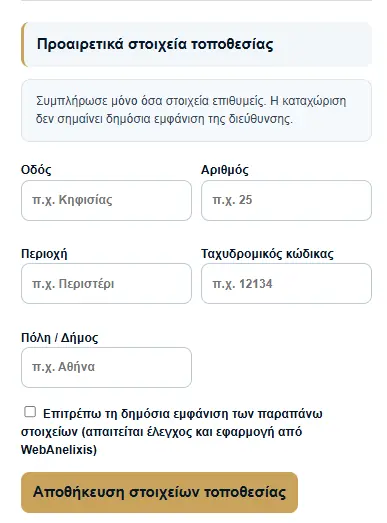
Optional location details
Copy a page
Review before publication
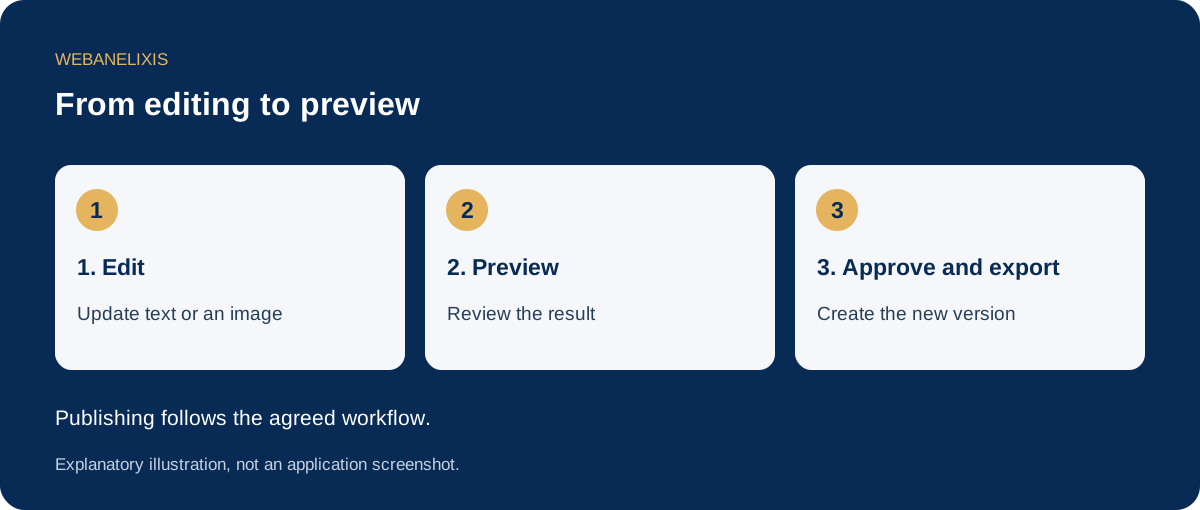
Preview lets you review changes before approving them. ZIP export creates the new file package. Creating the ZIP and publishing online are separate steps, organised according to our working arrangement.
Versioning (numbered releases and recorded changes) helps identify the latest delivery. We establish a clear backup and update process appropriate to the project.
SEO and optional Local SEO
SEO (improvements helping search engines understand the website) and Local SEO (improvements for searches in specific areas) are organised through target phrases, page details and review history. Local SEO is enabled when requested.
Where Check & Update SEO is included, you initiate the review and proposed changes go through preview and approval. Technical rule updates require the sources or connection provided for the project. We do not promise automatic rankings or first place on Google.
Support that fits how you want to work
You can use the Editor for everyday tasks or ask us to handle them. Features, access from computers, tablets and phones, training and support are defined and checked at your project delivery. This page describes the service and does not open the Editor.
Discuss how you want to manage your website